
Gradient Texture Cursor
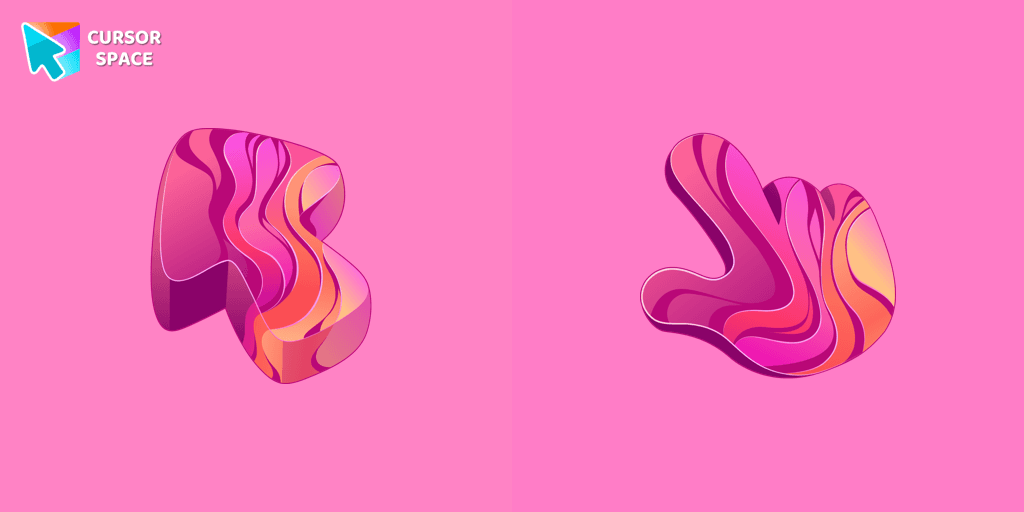
Cursors in the pack
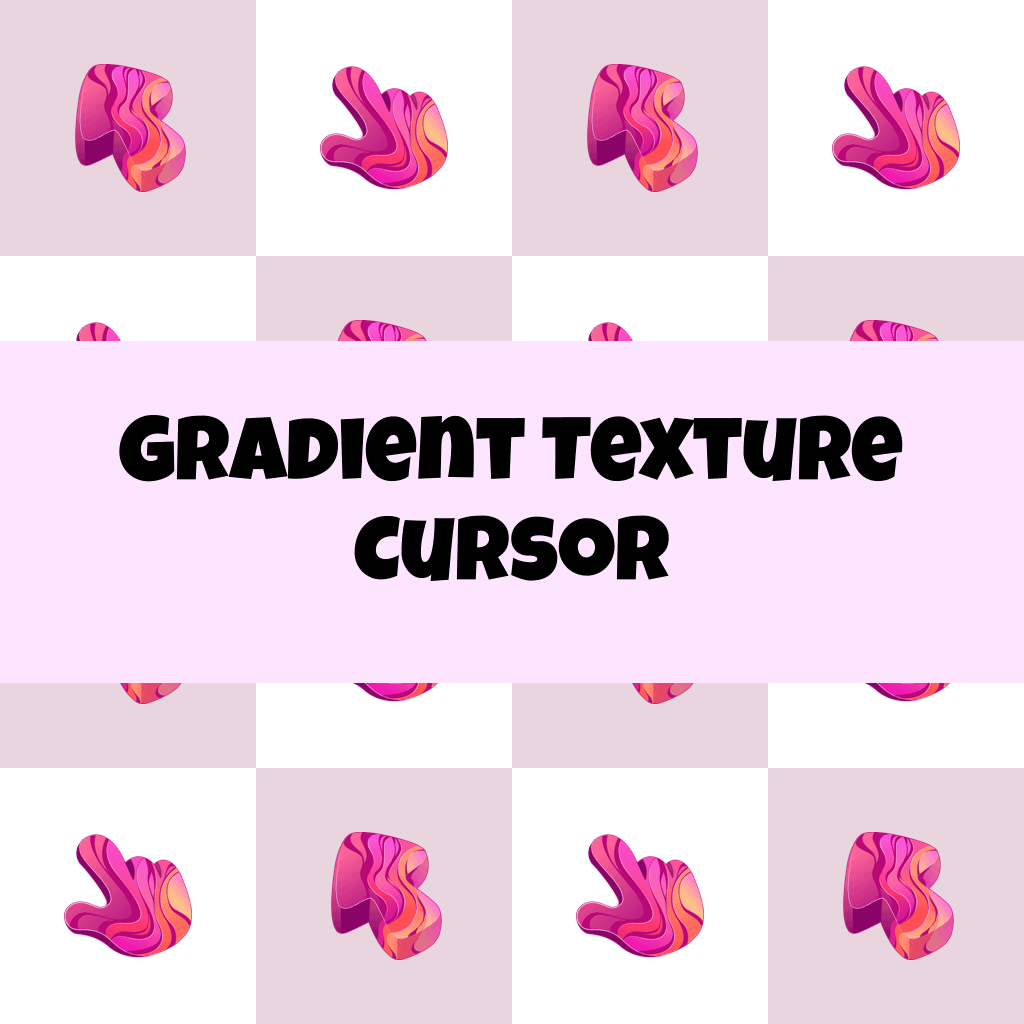
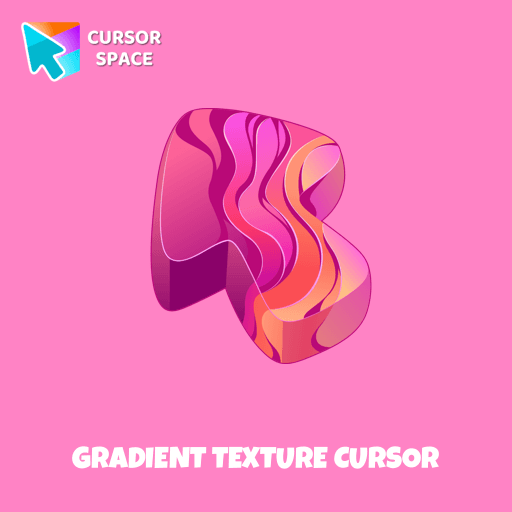
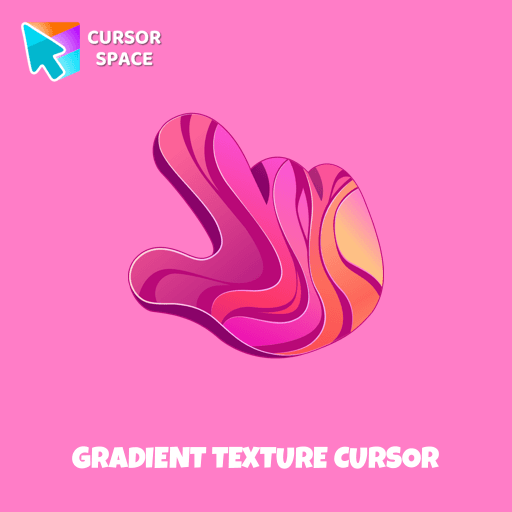
Description
Add a touch of color and charm to your browsing experience with our Colorful Gradient Textures cute cursor from the Textures collection. Stand out from the crowd and express your unique style with this vibrant and eye-catching custom cursor.
Discover the joy of customization with our collection of custom cursors for Chrome.
What's included in the package
- Default Cursor
- Pointer (Hand)
How to install a custom cursor pack Gradient Texture Cursor
Install the Cursor Space extension for Chrome or Cursor Space for Edge in your browser.
On this page, click "Add this cursor pack to the extension".
Open the extension and go to the Packs tab.
Find the custom cursor pack "Gradient Texture cursor" and click it.
Enjoy!
Ready to install?
Get this cursor pack and thousands of others by installing our extension. It's fast and free!
About this cursor pack
Gradient Texture Cursor is a themed cursor pack you can add to your browser to personalize your pointer across common cursor states (default and pointer). Use it for everyday browsing, streaming, studying, or gaming-anywhere you want your cursor to match your vibe.
Instant preview
See how the cursors look before installing.
Easy install
Add the pack to the extension in a few clicks.
Works in your browser
Designed for Chrome and Edge via the extension.
FAQ
Quick answers to common questions about cursor packs, collections, and installation.
Do I need an extension?
Which browsers are supported?
How do I switch back to the default cursor?
Collection hits
Installation leaders from "Textures cursor": free packs, neon/anime/pixel art, quick add to Chrome and Edge.
- TOP 1
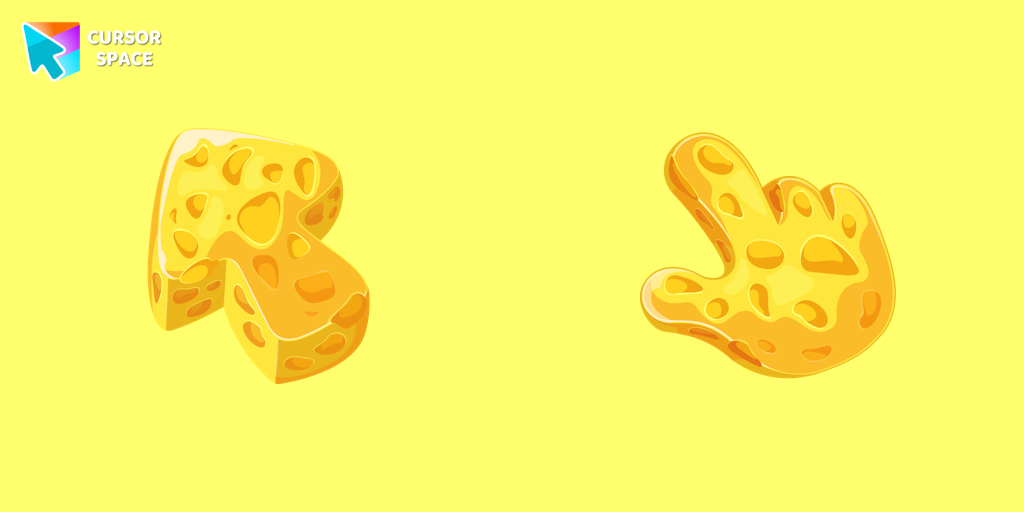
Cheese Texture cursor
(748)FreeThis cheese-themed custom cursor is a delightful addition to our Textures custom cursors collection specifically designed for Chrome users.
- TOP 2
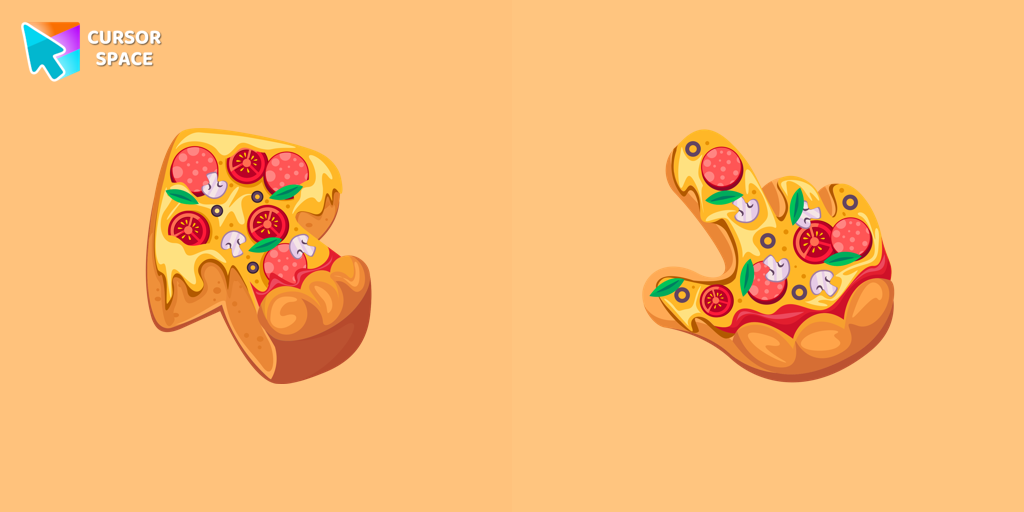
Pizza Texture cursor
(627)FreeEnjoy browsing with our custom cursor for Google Chrome featuring a fun pizza design. Add a unique touch to your screen and make your cursor stand out.
- TOP 3
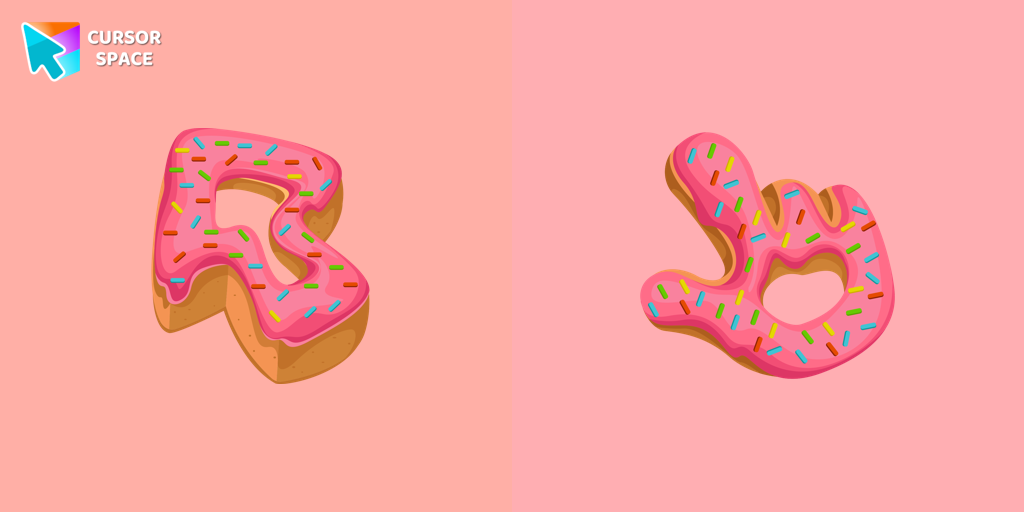
Donut Texture cursor
(440)FreeEnjoy a fun browsing experience with the Donut Textures custom cursor. Inspired by American films, this custom cursor for Google Chrome adds sweetness to your screen.
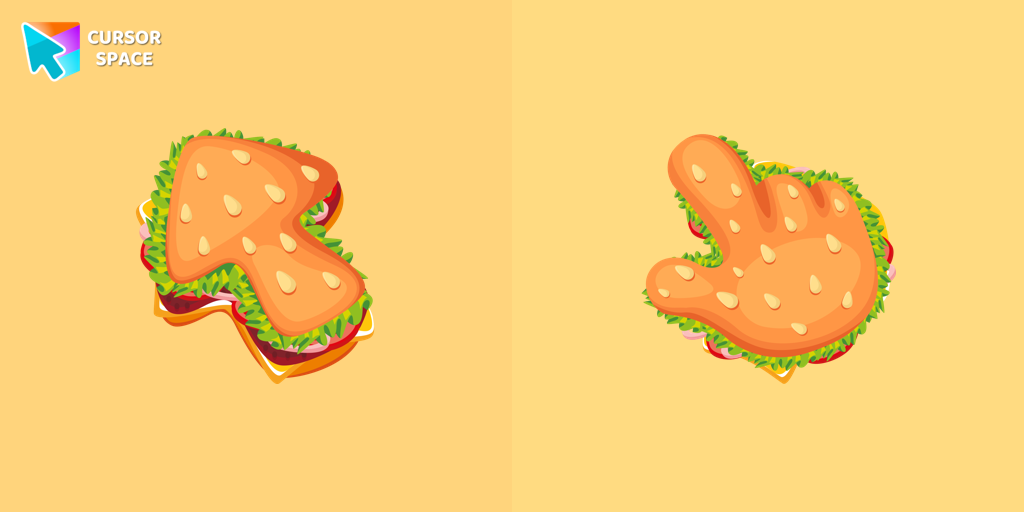
Burger Texture cursor
(408)FreeThe Burger Texture cursor is a distinctive and entertaining option for Chrome users who enjoy personalizing their browsing experience with custom cursors.
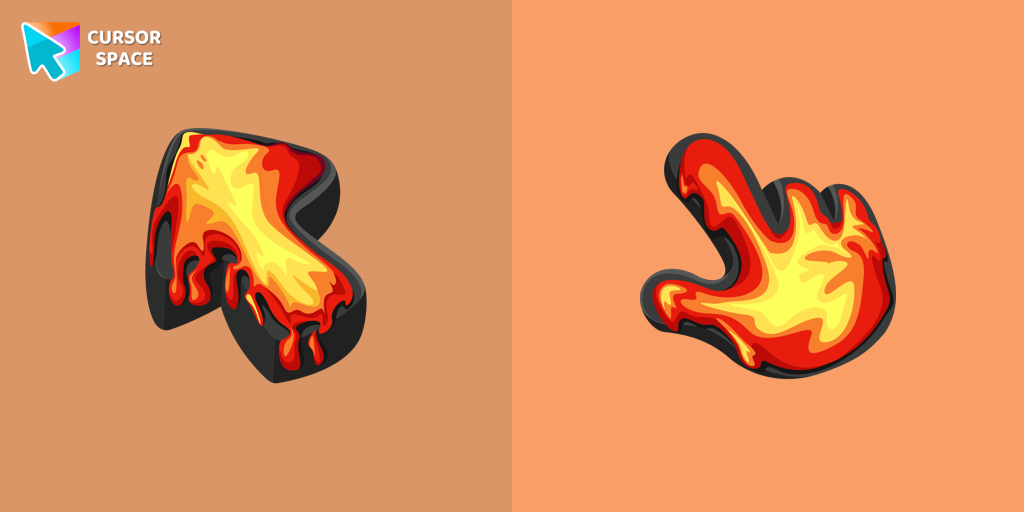
Lava Texture cursor
(331)FreeIgnite your browsing with the Lava custom cursor for Google Chrome, inspired by volcanic magma. Experience intense energy right on your screen.
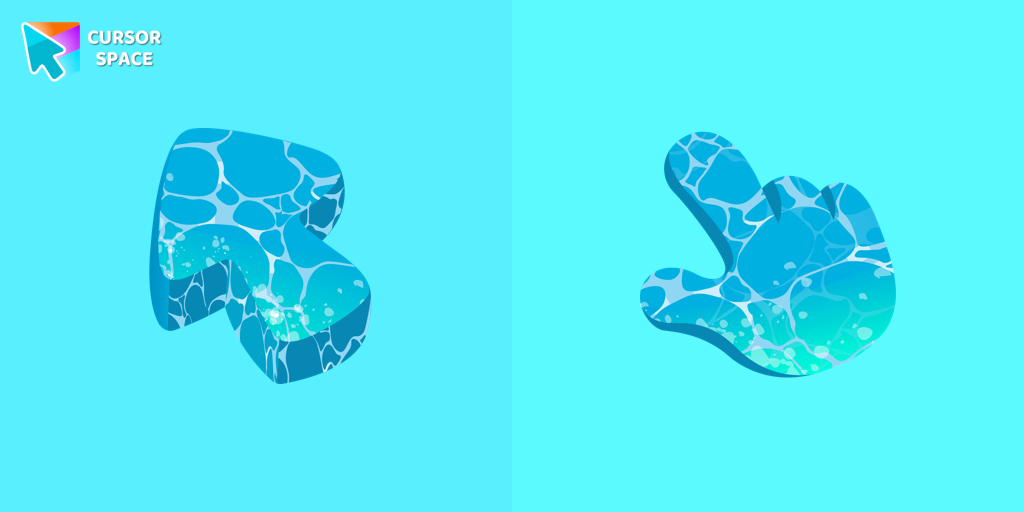
Water Texture cursor
(283)FreeWater is interesting because it can be in different forms. It can be solid like ice, gas like steam, and even turned into a special cursor for your mouse.
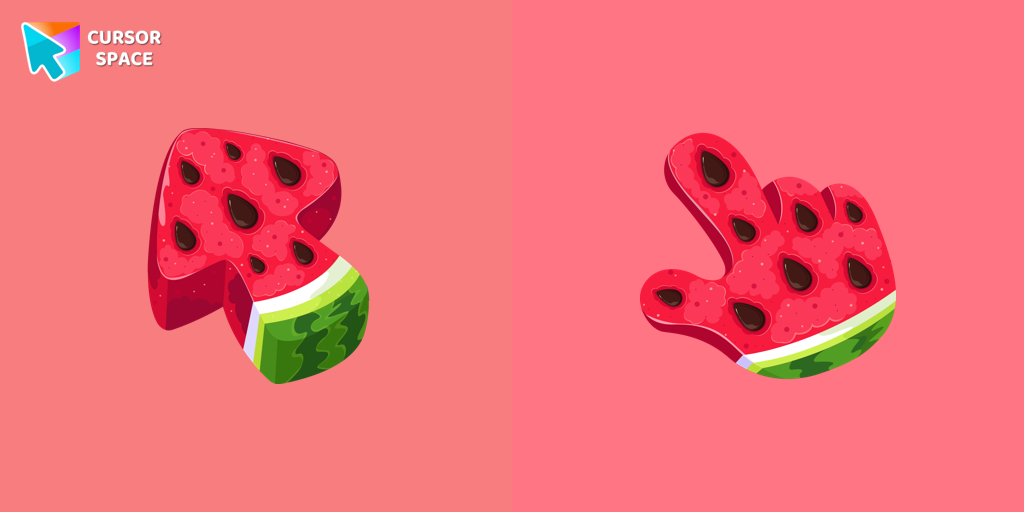
Watermelon Texture cursor
(277)FreeEnjoy summer vibes year-round with our Watermelon Texture custom cursor, adding refreshing charm and vibrant color to your browsing experience.
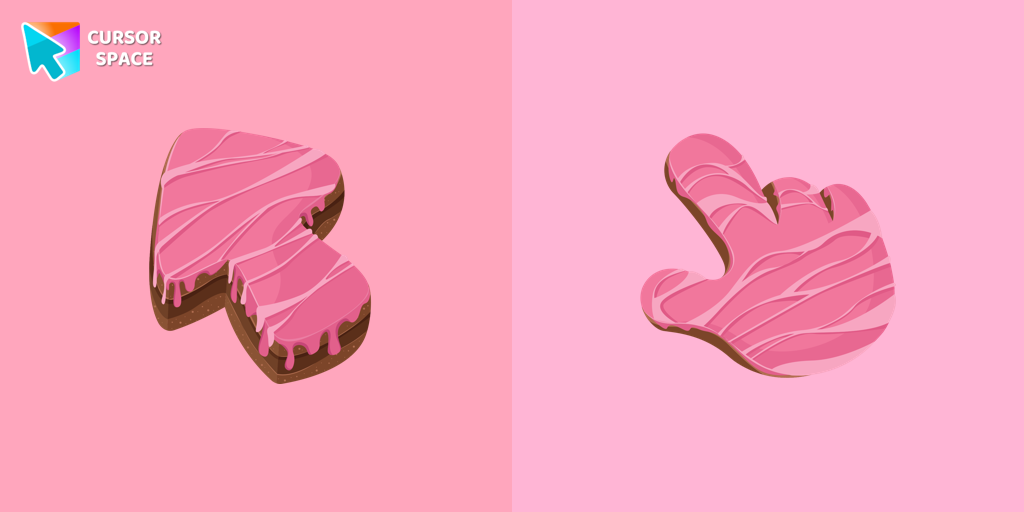
Cake Texture cursor
(244)FreeElevate your daily browsing with our cake custom cursor for Google Chrome. Celebrate each click with sweetness and style using this delightful custom cursor
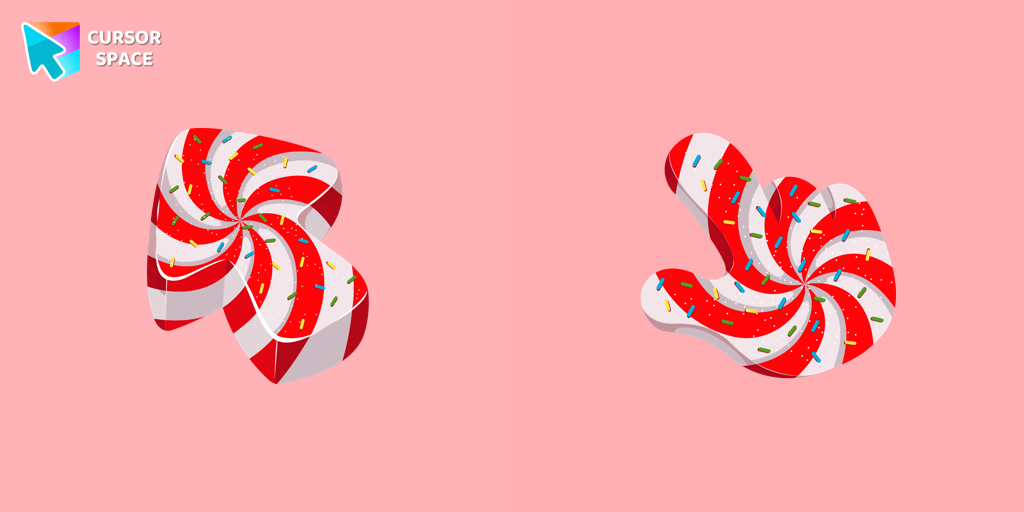
Candy Texture cursor
(238)FreeThe Candy Cursor adds sweetness to your browsing experience with a beautifully designed custom cursor, evoking the joy of childhood candy.
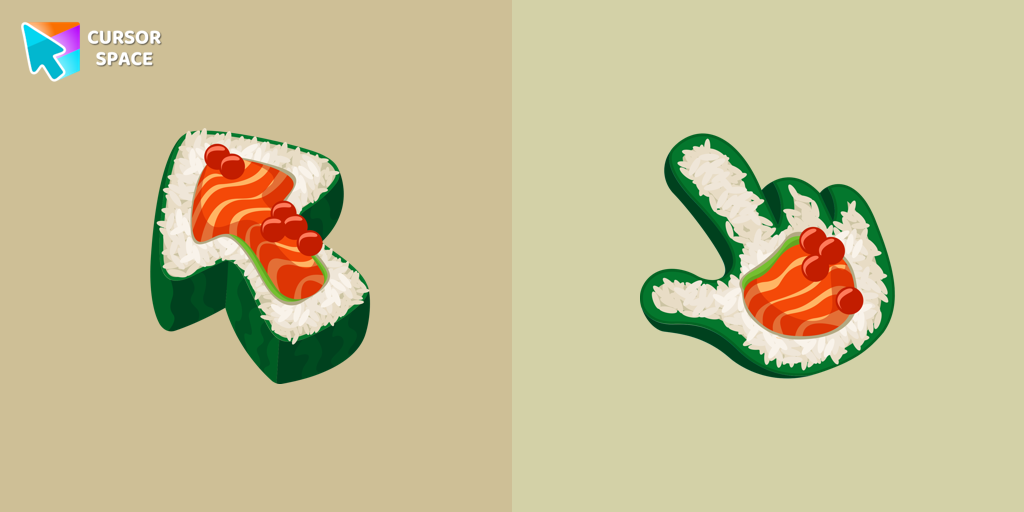
Sushi Texture cursor
(226)FreeImmerse yourself in Japanese culinary art with the Sushi Texture custom cursor for Google Chrome and elevate your browsing experience with style.
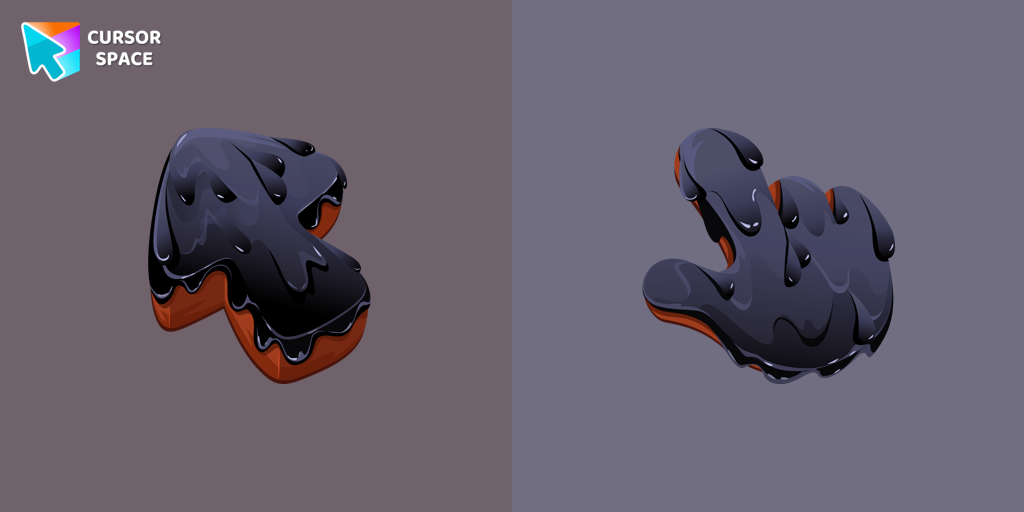
Black Resin Texture cursor
(218)FreeUpgrade your browsing with the Black Resin custom cursor for Google Chrome. Sleek and stylish, it adds a sophisticated touch to your screen. Try it now.
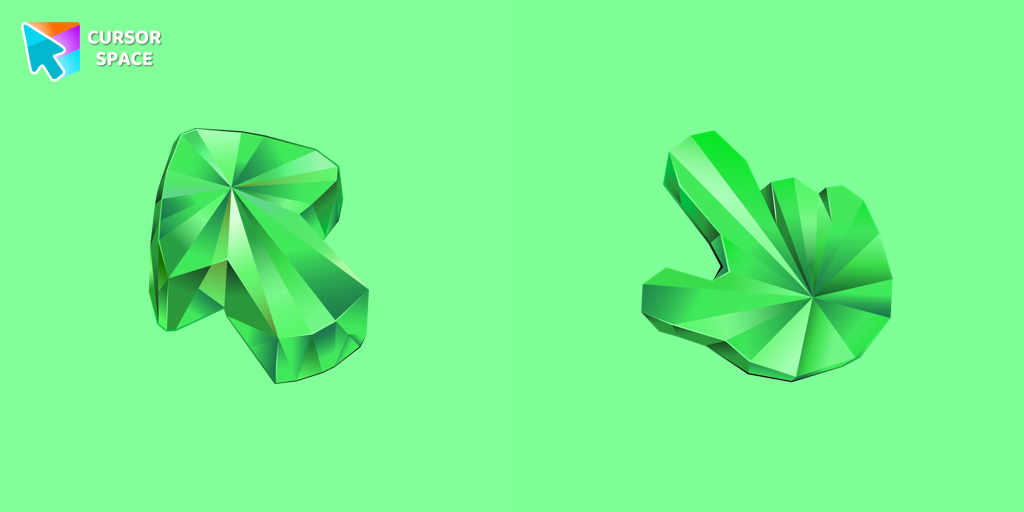
Emerald Texture cursor
(209)FreeEnhance your browsing with the Emerald Texture custom cursor for Google Chrome. Add a touch of elegance and history with this gem-inspired design. Try it now.
Install Cursor Space - A Collection of Custom Cursors for Chrome & Edge
Add packs instantly and unlock access to thousands of cursors: neon, anime, pixel-art, and more. Fast, safe, and free.
- Free cursor packs
- HD/HiDPI & animated icons
- Quick browser installation
Cursor Space is an extension for changing your mouse cursor in Chrome and Edge browsers: themed collections, HiDPI icons, neon, animated, and pixel cursors, with quick installation.